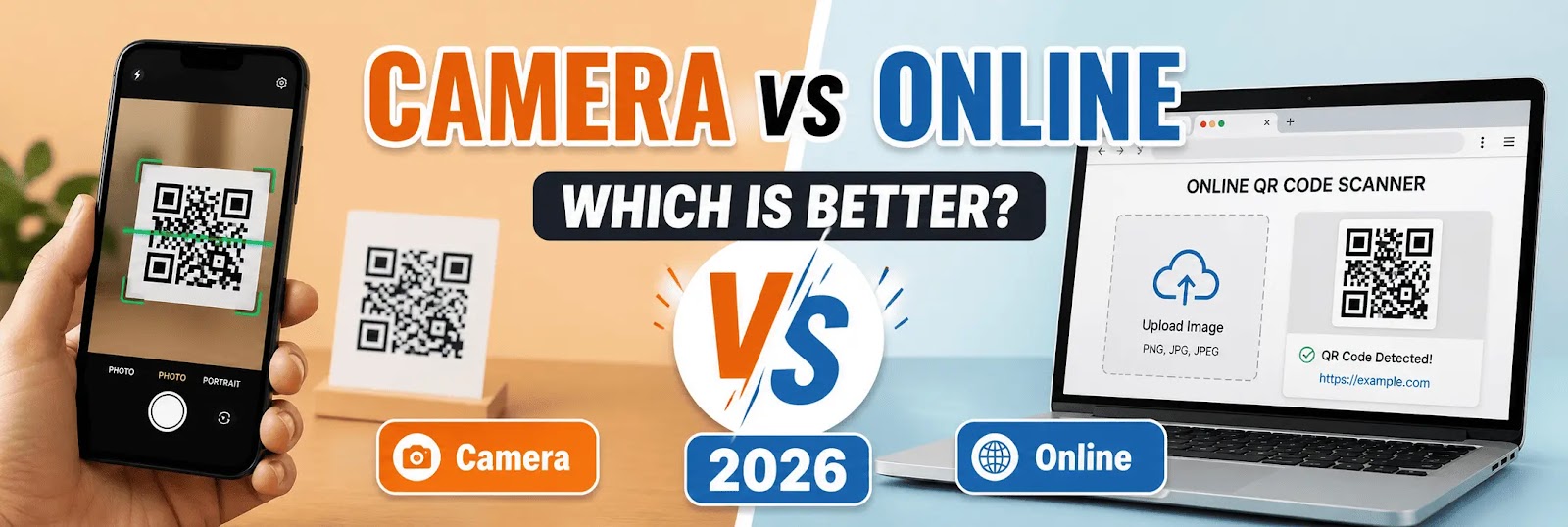
QR code scanning is now a daily task across mobile and desktop devices. Users typically rely on either built-in camera scanners or browser-based tools. Understanding the difference between scanning QR codes using a camera and using an online QR code scanner is essential for choosing the most efficient method.
In 2026, both approaches offer distinct advantages depending on the use case.
Scanning QR Codes Using Camera
Most modern smartphones include a built-in QR code scanning feature within the camera.
How It Works
- Open the camera app
- Point the camera at the QR code
- The device detects and displays the result
This method is fast and requires no setup.
Advantages
- Instant access without opening a browser
- No need to upload files
- Works offline in many cases
- Integrated into the device
Limitations
- Cannot scan QR codes from images or screenshots
- Limited functionality on desktop devices
- Depends on device compatibility
- No advanced features like file upload
Using an Online QR Code Scanner
An online QR code scanner works directly in a web browser without requiring installation.
How It Works
- Open a QR scanner website
- Use camera access or upload an image
- The system detects and decodes the QR code
This method works across devices including mobile and desktop.
Advantages
- Ability to scan QR codes from images or screenshots
- Works on PC and laptop
- No app installation required
- More flexible for digital workflows
Limitations
- Requires internet connection
- May need camera permission
- Depends on browser performance
Key Differences
The main difference lies in flexibility and accessibility.
Camera scanning is designed for quick, real-time use.
Online scanning provides more control, especially when working with images or multiple devices.
When to Use Camera Scanning
Using a camera is ideal when:
- The QR code is physically present
- Immediate scanning is required
- No additional features are needed
It is best for simple and fast interactions.
When to Use an Online Scanner
An online QR code scanner is more suitable when:
- The QR code is in an image or screenshot
- You are using a desktop or laptop
- You need more flexibility
- You want to avoid installing apps
This method supports more advanced scenarios.
Performance Comparison
Camera scanning is generally faster for direct use.
Online scanners provide broader functionality, especially when handling digital files and cross-device usage.
User Experience
Camera scanning offers simplicity.
Online scanning offers versatility.
Choosing between the two depends on the situation and user needs.
Security Considerations
Both methods require attention to security.
Users should:
- Verify QR code sources
- Avoid scanning unknown or suspicious codes
- Ensure safe link handling
Security is critical regardless of the method used.
Final Verdict
There is no single method that fits all situations.
Camera scanning is best for speed and simplicity.
Online QR code scanners are الأفضل when flexibility and additional features are required.
Conclusion
Scanning QR codes using a camera and using an online scanner serve different purposes. While camera scanning is efficient for quick tasks, online tools provide extended capabilities such as image-based scanning and cross-device compatibility.
Selecting the right method depends on the context, device, and required functionality in 2026.