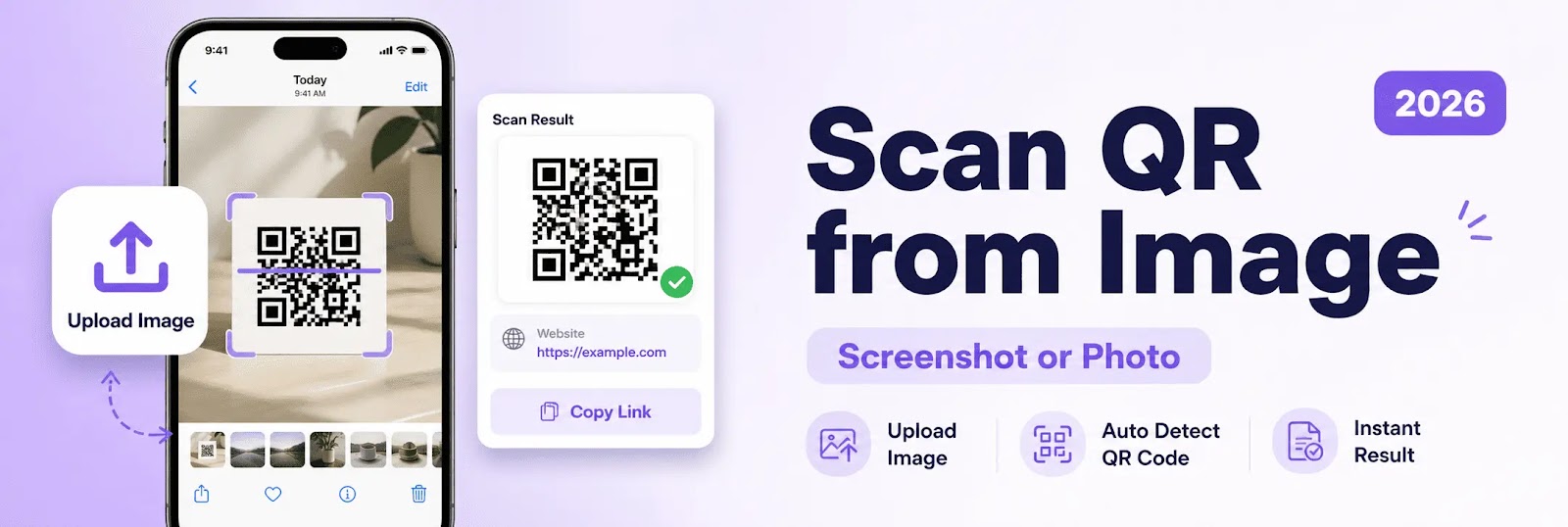
Scanning QR codes is no longer limited to using a camera in real time. With modern web-based tools, it is now possible to scan QR code from image or screenshot online instantly without needing a mobile app.
In 2026, image-based QR scanning has become one of the most efficient methods for accessing QR code content directly from saved files.
What Does It Mean to Scan QR Code from Image?
To scan QR code from image means extracting and decoding a QR code from a photo, screenshot, or saved file instead of scanning it live with a camera.
This method allows users to:
- Scan QR codes already stored on their device
- Decode QR codes from screenshots
- Access content without switching devices
- Use browser-based tools for instant results
A qr code scanner from image online simplifies the process.
How to Scan QR Code from Screenshot Online
Using an online scanner to read QR codes from images is simple:
- Open a QR code scanner in your browser
- Upload the image or screenshot containing the QR code
- The system detects the QR code automatically
- The content is decoded and displayed instantly
This method works across mobile and desktop devices.
Scan QR Code from Photo on Phone
A modern scan qr code from photo feature allows users to upload images directly from their gallery.
On Mobile (Android & iPhone):
- Select a saved image or screenshot
- Upload it through the browser
- Decode the QR code instantly
This is useful when the QR code is displayed on the same screen.
Scan QR Code from Image on PC or Laptop
Online tools also support desktop users.
To scan qr code from image on computer, users can:
- Upload an image file from their device
- Use screenshots captured on desktop
- Decode QR codes without a camera
This provides flexibility across different environments.
Why Use Image-Based QR Code Scanning?
Using a qr code scanner from image online offers several advantages:
- No need for camera access
- Works with saved or shared QR codes
- Faster workflow for digital content
- Ideal for screenshots and documents
This approach improves convenience and usability.
Common Use Cases
Image-based QR scanning is useful in many situations:
- Scanning QR codes from screenshots
- Reading QR codes in documents or PDFs
- Accessing QR codes sent via messaging apps
- Decoding QR codes displayed on the same device
It is widely used for both personal and professional tasks.
Image Scanning vs Camera Scanning
Camera scanning requires real-time positioning.
Image-based scanning allows:
- Uploading QR codes directly
- Using screenshots without switching devices
- Scanning from stored files
This makes it more flexible for digital workflows.
Key Features to Look For
A reliable scan qr code from image online tool should provide:
- Fast detection and decoding
- Support for multiple image formats
- Mobile and desktop compatibility
- No installation required
- Simple and clean interface
These features ensure smooth performance.
Security and Privacy
When uploading images to a qr code scanner online, it is important to ensure:
- Secure processing
- No unnecessary data storage
- Safe handling of QR content
Privacy should always be a priority.
Performance and Speed
A high-quality scanner ensures:
- Instant decoding
- Fast processing
- Stable performance across devices
Speed improves user experience significantly.
Final Verdict
The ability to scan QR code from image or screenshot online provides a fast and flexible solution for accessing QR content without using a camera.
It is one of the most practical methods in 2026.
Conclusion
Image-based QR code scanning has become essential for modern digital usage.
With support for screenshots, photos, and files, users can easily decode QR codes anytime using a browser.